


Video projects can be started with a lot of excitement, but soon become a nightmare as files get scattered, feedback lags, and versions continue to change. With a remote team, the slightest modification can lead to interminable downloads, disordered email chains, and lost remarks.
When time runs out, such friction increases, exhausting creativity and halting progress. In addition, the conventional desktop applications were not created to work in real-time, and this makes collaborative progress more difficult than it ought to be.
Luckily, project centralization, approvals, and project alignment have been centralized under cloud-based editing platforms. You can work on storytelling and execution instead of file hunting.
This article will discuss seven video editors that are cloud-based and are designed to facilitate the collaborative workflow in an efficient and viable manner, and solve the typical teamwork issues in a clear and flexible way.
1. Promo.com Online Video Editor

The online video editor provided by Promo.com is easy to use and accessible when you require a simple but effective cloud-based video editing tool that can be used by the entire team. Its web-based editor allows collaborators to upload videos, cut clips, add text and music, and edit images without installing software or struggling to transfer files.
In addition to mere editing, teams are able to create regular social content due to built-in libraries of stock footage and music, as well as branding with logos and colors. There is no high level of technical expertise required to join, which makes collaboration efficient and inclusive for groups with different levels of experience.
You can make contributions to the work of a teammate in real time, whether you are producing brief social videos or refined marketing videos, and the cloud editor of Promo.com makes it simple and easy.
2. Flixier
Another browser-based editor is Flixier, which is designed to simplify teamwork online. Team members do not have to share files with each other or wait to have them downloaded, but can collaborate in a common cloud where updates and comments are automatically synchronized.
You and your co-workers are able to comment, collaboratively make changes, and maintain your workflow without stopping. As all data remains in the cloud, it is not necessary to have complex file version control, which is a significant benefit to teams that have to deal with revisions.
It is especially useful when time is of the essence, and the response must be received in a short time.
3. WeVideo

WeVideo is a team-oriented cloud-based video editing platform. It allows all your team members to share the same projects without local applications or downloading files, and offers collaborative features such as shared libraries and templates.
Multimedia resources and templates can be shared among users, and visual consistency remains high when multiple individuals work on them. This can be particularly handy for educational, marketing, and distributed departments that require cloud-based editing without the hassle of conventional software.
4. VEED Cloud Video Editing
The collaborative editing tools created by VEED are based on simplicity and alignment with teams. It allows users to post projects, invite collaborators, leave notes on certain sections of the timeline, and collaborate in an online workspace that is easy to navigate and use.
A Brand Kit of shared visual assets is also offered on the platform, ensuring that teams do not have to create the same content twice. Commenting and review tools also help speed up the feedback loop and make finalizing videos easier.
5. CapCut Cloud Collaboration
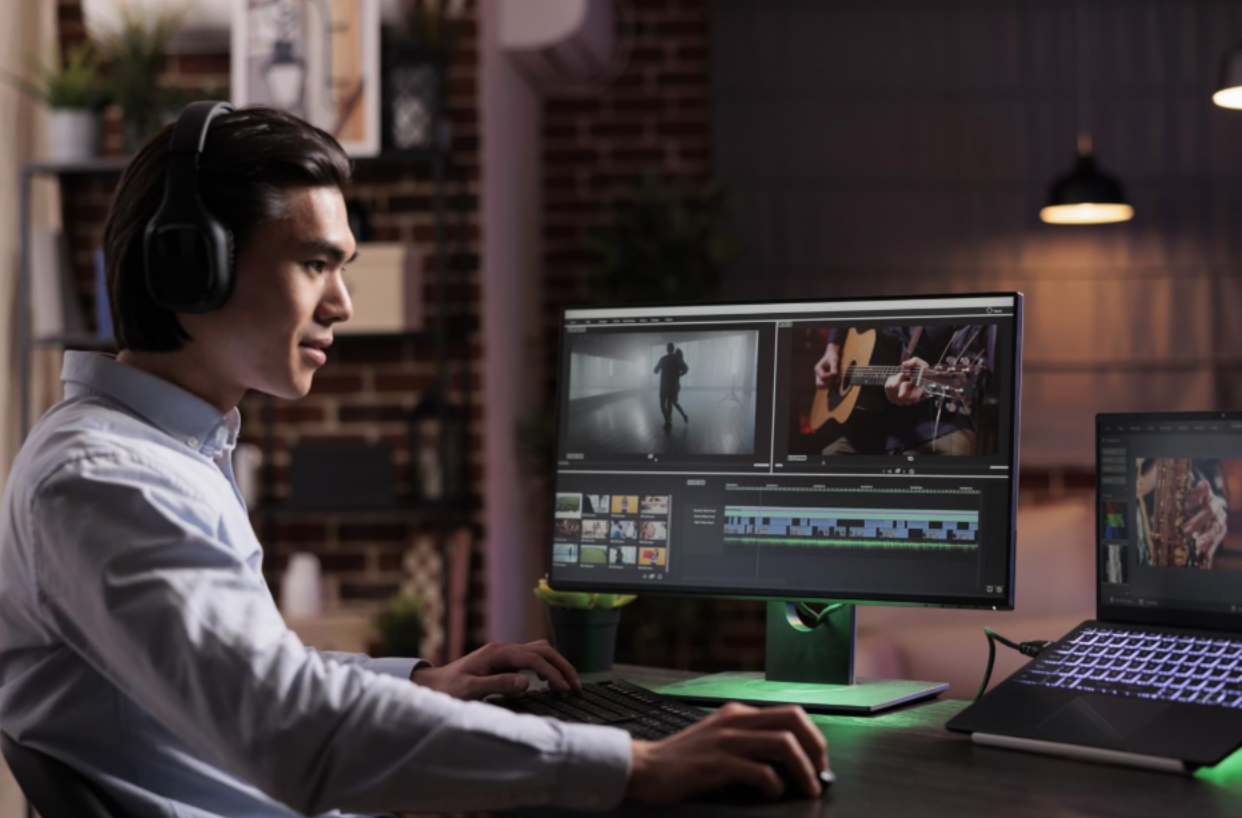
CapCut’s cloud collaboration features let teams organize and edit video content together with shared storage and real-time access. Its Teamspace system allows users to import media, make edits, and review changes in an online environment that’s easy to navigate.
Although CapCut is well-known for individual editing tools, its collaborative cloud features bring real teamwork capabilities to video creation, which is especially helpful for creative teams and social content creators working remotely.
6. LucidLink + Traditional Editors
LucidLink isn’t a video editor by itself, but it provides cloud file access that makes collaborative editing with familiar professional tools significantly smoother. It turns large media libraries into a cloud-accessible workspace, so editors can use software like Premiere Pro or DaVinci Resolve without local file duplication or sync headaches.
This setup suits teams that want powerful editing features but also need the flexibility of cloud storage and real-time access. By eliminating transfer delays, LucidLink helps keep teams coordinated even on large, complex projects.
7. Async Cloud Video Editor

Async offers browser-based video editing where you can store, access, and modify video projects from any device with an internet connection. All your work is stored in your online workspace, and collaborators can jump in to edit, comment, or rework footage without juggling local files.
This makes Async especially appealing for remote teams or creators who travel frequently. The convenience of a cloud editor also reduces setup time and enables flexibility in how and where people contribute to shared projects.
Final Thoughts
Choosing the right cloud-based video editor can transform how your team collaborates. Rather than trading files via email, wrestling with version conflicts, or waiting for uploads and downloads, these platforms provide shared online workspaces where contributors can edit, comment, and share in real time.
From accessible options like Promo.com’s online editor to tools that support professional workflows like LucidLink’s cloud integration, there’s a solution for every team size and project complexity.
By embracing cloud-native editing tools, your team stays aligned, creative momentum accelerates, and the technical friction that once slowed projects fades away, allowing you to focus on crafting compelling video content together.


